
Do I Need the Paid Version of LightBurn – Free vs Licensed Comparison
Get a LightBurn License together with our Laser Upgrades and save 10%
PLH3D-XT-50
Precision Engraving

- 6 W Optical Power
- Ultra HD 550 DPI – 45 μm Spot
- Max Wood Cutting (1 Pass): 3 mm (⅛")
- Best for fine engraving & intricate details
- Easy Plug & Play Kit with Manuals
PLH3D-XT8
High-Power Cutting & Engraving
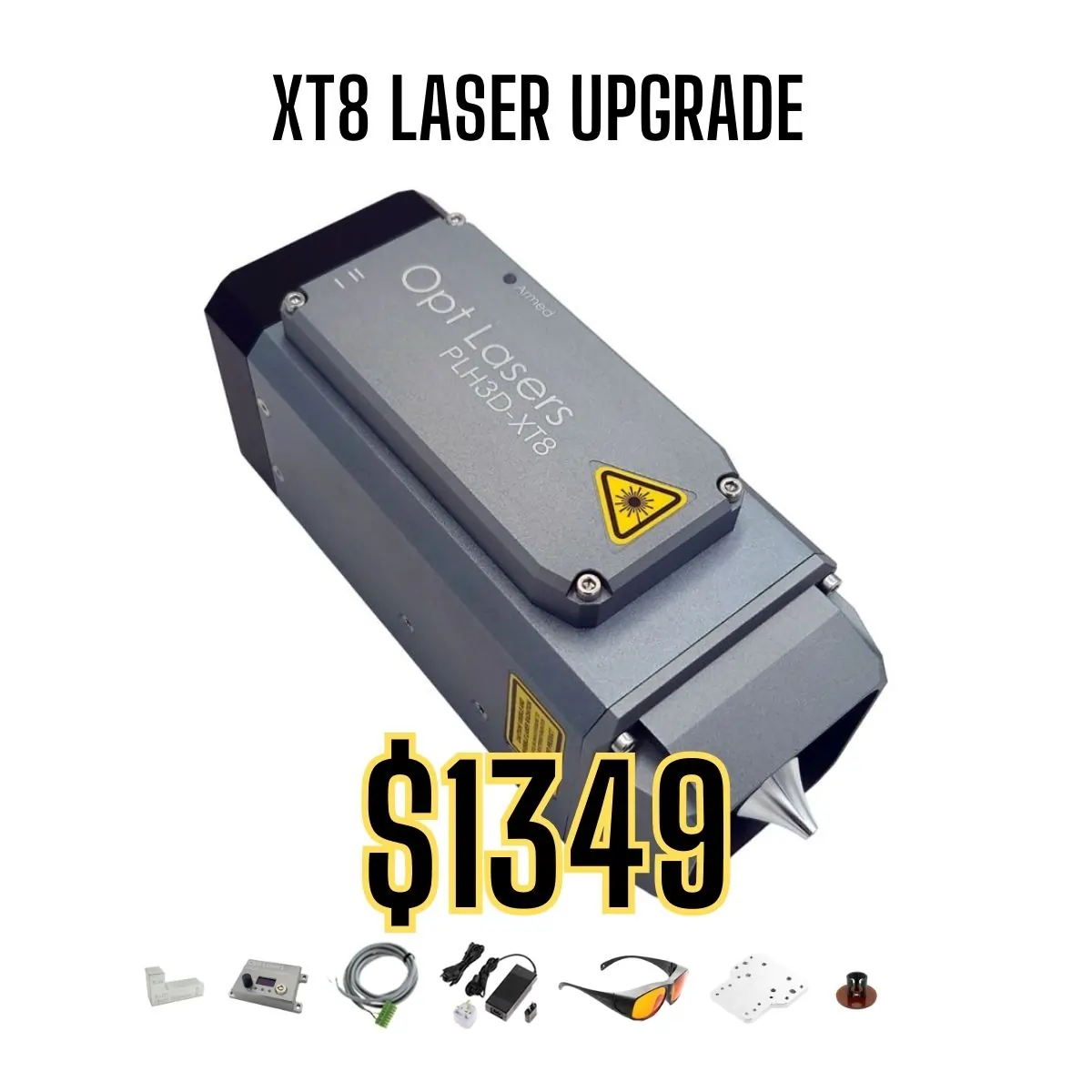
- 45 W Optical Power
- HD 125 DPI – 180 μm Spot
- Max Wood Cutting (1 Pass): 20 mm (¾")
- Best for high-speed engraving and deep cutting
- Engrave Wood with 350 mm/s (827 inch/min)
- Cut Plywood with 22.5 mm/s (53.1 inch/min)
- Easy Plug & Play Kit with Manuals
PLH3D-XF+
Entry-Level Solution

- 6 W Optical Power
- Standard 85 DPI – 300 μm Spot
- Max Multipass Wood Cutting: 3 mm (⅛")
- Perfect for hobby use and small creative projects
- Easy Plug & Play Kit with Manuals

Wondering if you need to buy the paid version of LightBurn? Many CNC laser users start with the free trial, but to unlock the software’s full potential, understanding the differences between trial and licensed versions is essential.
In this comparison, we explain what features are included in the free trial, what’s exclusive to the licensed version, and why investing in a paid LightBurn license ensures long-term success in laser cutting and engraving projects.
What’s Included in the Free Trial of LightBurn?
LightBurn offers a fully functional free trial, giving users a chance to explore its capabilities before purchasing. The trial period typically lasts 30 days and includes:
- Access to all design, editing, and laser control features
- Support for all compatible controllers (GRBL, Smoothieware, Ruida, etc.)
- Full access to file format imports (AI, SVG, DXF, PDF)
- Real-time preview and simulation tools
- Software updates during the trial period
While the trial offers a comprehensive experience, it is limited by time and does not include ongoing support after expiration.
Why Licensed LightBurn Is Worth the Investment
Purchasing a LightBurn license unlocks continued access to the software, ensuring no interruptions in your CNC laser workflow. Additionally, it provides:
- Permanent access to all features and updates for one year
- Renewable update plan for continuous improvements
- Official manufacturer-backed support through authorized distributors
- Legal use for both personal and commercial purposes, depending on license type
For CNC laser users planning to work on serious projects, a licensed version ensures stability, support, and access to the latest enhancements.
See more about the benefits of LightBurn licenses at Opt Lasers.
Full Feature List Comparison: Free Trial vs Licensed
| Feature | Free Trial | Licensed Version |
|---|---|---|
| Design & Editing Tools | ✔ | ✔ |
| Controller Compatibility | ✔ | ✔ |
| Real-Time Preview & Optimization | ✔ | ✔ |
| Software Updates | Limited to trial period | 1 year included + renewals |
| Technical Support | Community only | Official support via distributor |
| License Duration | 30 days | Permanent access |
| Commercial Use | No | Yes (Commercial License) |
Conclusion: Trial for Testing, License for Long-Term Success
The LightBurn free trial is perfect for testing and learning, but for ongoing projects, a licensed version is essential. It provides stability, support, and full compliance for both hobbyists and businesses.
By choosing an official distributor like Opt Lasers, you ensure your license is genuine, supported, and ready to integrate with your CNC laser system.