
LightBurn Device Setup Wizard – Step-by-Step Machine Configuration

Setting up your CNC laser machine in LightBurn is simple with the Device Setup Wizard. This guide walks you through the process, ensuring your machine is correctly configured for smooth operation and accurate results.
What is the Device Setup Wizard?
The Device Setup Wizard helps LightBurn understand your machine’s size, origin point, connection method and firmware type. It creates a device profile that ensures correct communication between software and hardware.
Step-by-Step Setup Guide
- Open LightBurn and navigate to Devices in the Laser window.
- Click Create Manually if your device isn’t auto-detected.
- Select your Controller Type (e.g., GRBL, Smoothieware, Ruida).
- Enter your machine’s working area dimensions (width & height in mm).
- Choose the origin point (usually front-left or rear-left, depending on machine design).
- Select the connection method (USB, Ethernet, Serial).
- Name your device profile and click Finish.
Testing & Adjustments After Setup
- Use the Frame function to verify machine limits and orientation.
- Adjust machine-specific settings (e.g., step calibration) if needed.
- Save your configuration for future sessions.
Opt Lasers Plug&Play Kits – Simplified Integration
Opt Lasers’ Plug&Play Kits are designed for seamless compatibility with LightBurn’s Device Setup Wizard. Pre-configured hardware and expert support ensure a hassle-free configuration process, whether you’re using diode lasers or custom CNC builds.
Next Steps: Apply Your Setup in Real Projects
With your machine profile configured, you’re ready to begin laser projects. Visit our LightBurn Projects – Practical Use Cases to see how correct device setup leads to professional results.
Get a LightBurn License together with our Laser Upgrades and save 10%
PLH3D-XT-50
Precision Engraving

- 6 W Optical Power
- Ultra HD 550 DPI – 45 μm Spot
- Max Wood Cutting (1 Pass): 3 mm (⅛")
- Best for fine engraving & intricate details
- Easy Plug & Play Kit with Manuals
PLH3D-XT8
High-Power Cutting & Engraving
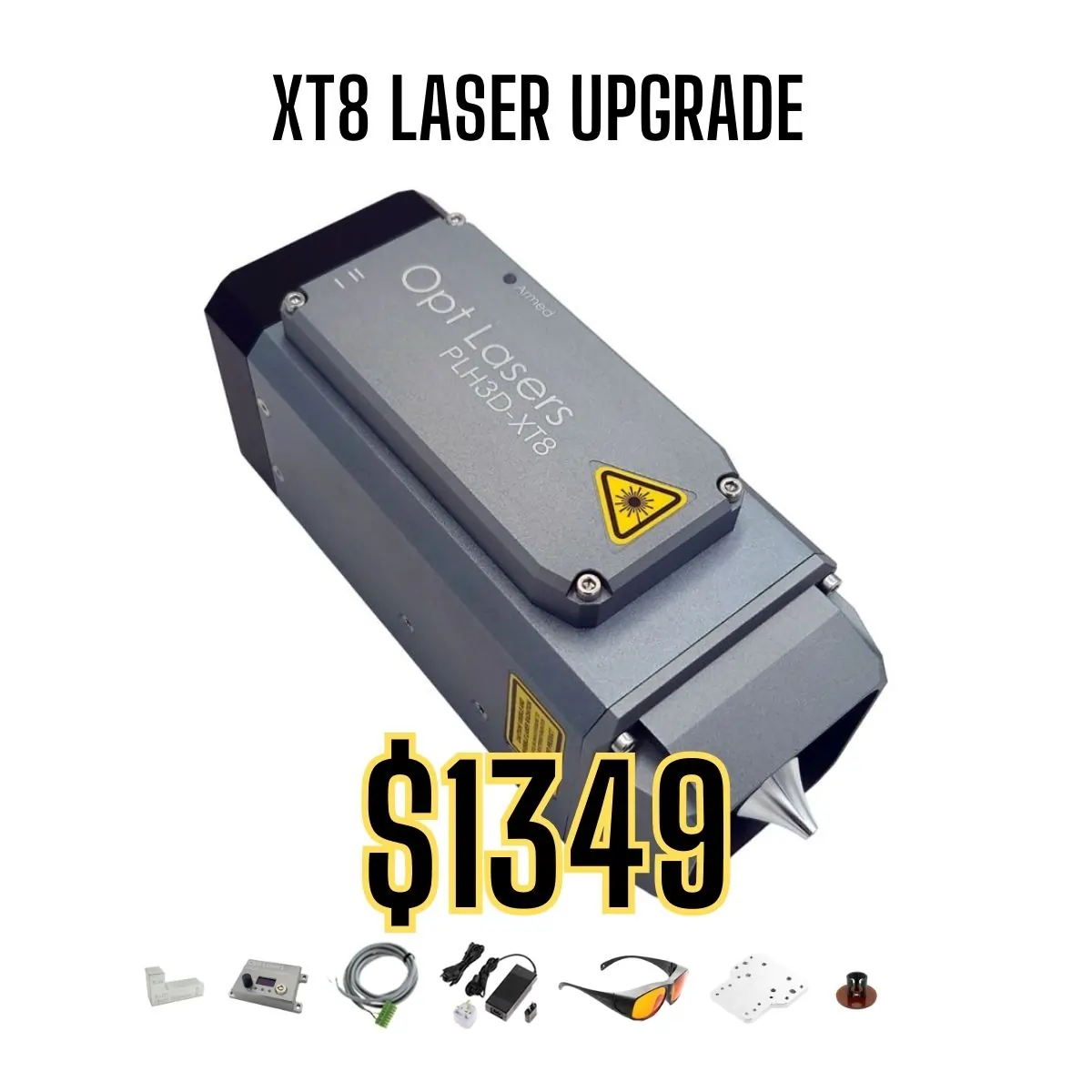
- 45 W Optical Power
- HD 125 DPI – 180 μm Spot
- Max Wood Cutting (1 Pass): 20 mm (¾")
- Best for high-speed engraving and deep cutting
- Engrave Wood with 350 mm/s (827 inch/min)
- Cut Plywood with 22.5 mm/s (53.1 inch/min)
- Easy Plug & Play Kit with Manuals
PLH3D-XF+
Entry-Level Solution

- 6 W Optical Power
- Standard 85 DPI – 300 μm Spot
- Max Multipass Wood Cutting: 3 mm (⅛")
- Perfect for hobby use and small creative projects
- Easy Plug & Play Kit with Manuals